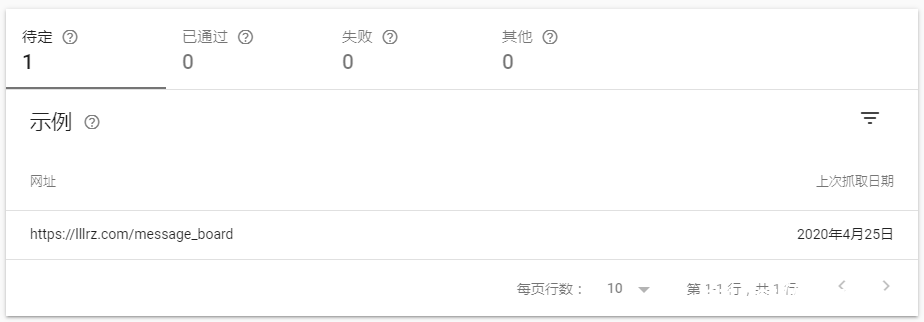
Mobile Usability report 移动设备易用性错误___
google search console:“提示移动设备易用性错误”
可能多重错误类型 Multiple error types
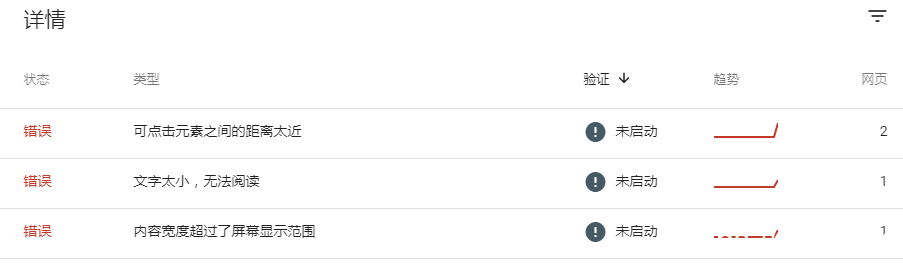
错误详情
错误类型:
可点击元素之间的距离太近
文字太小,无法阅读
内容宽度超过了屏幕显示范围
但是自己用手机访问或者其他移动设备访问没有任何问题。
可以直接在谷歌的制动设备合适性测试网站上测试,看看测试效果
发现网页似乎没有加载完全,上面也有对于的提示。联想到很可能是robots限制的问题。这是现在的robots
The problom is on the Robots,This is my robots:
User-agent: *
Disallow: /wp-admin/
Disallow: /wp-includes/
Disallow: /cgi-bin/
Disallow: /wp-content/plugins/
Disallow: /wp-content/themes/
Disallow: /wp-content/cache/
Disallow: /author/
Disallow: /trackback/
Disallow: /feed/
Disallow: /comments/
Disallow: /search/
经过多次测试之后,发现是一下两项阻止了google加载完整网页:
After tests one by one, it was found that the following two items prevented Google from loading the complete webpage:
Disallow: /wp-content/themes/
Disallow: /wp-content/cache/
将这两条删除,再重新测试,即可得到正确的结果。
Delete these two lines, and then test again, you can get the correct result.
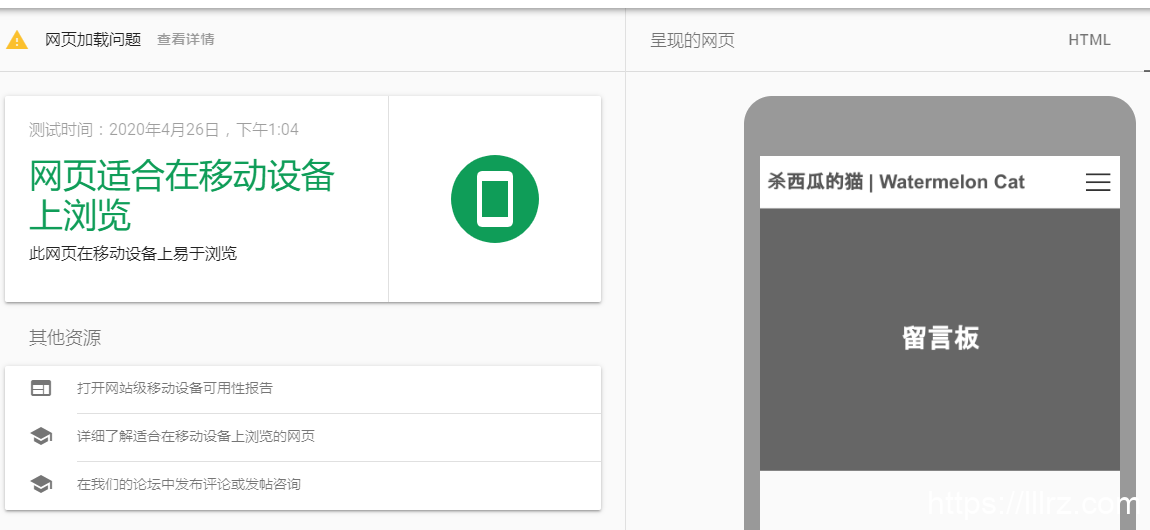
虽然依旧提示有网页加载问题,主要是屏蔽了/wp-includes/目录造成的,这个目录对搜索引擎没有作用,可以不管。
确定提示“网页适合在移动设备上浏览”之后,现在可以到某个错误里,尝试验证修复:
After you pass the test,you can click ‘Verification’

验证修复
点击开始验证后提示:验证已经开始(如果),耐心等待就好。
Just wait.
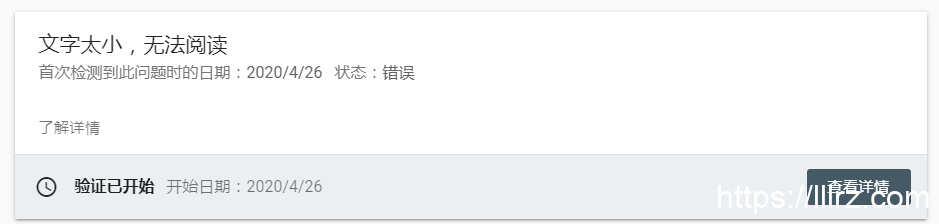
验证已经开始
如果需要查看进度,点击“查看详情”即可